A branded-link domain handover checklist
Hand over DNS ownership, certificates, renewal responsibility and the active link inventory together. A custom short hostname remains useful only while the team can maintain its routing.
A campaign owner leaves and the next person inherits a memorable branded hostname but not its DNS account. Every printed QR code still contains that hostname. A domain handover therefore needs more than the login to a URL-shortening workspace: somebody must keep the DNS, registration and destination responsibilities alive.
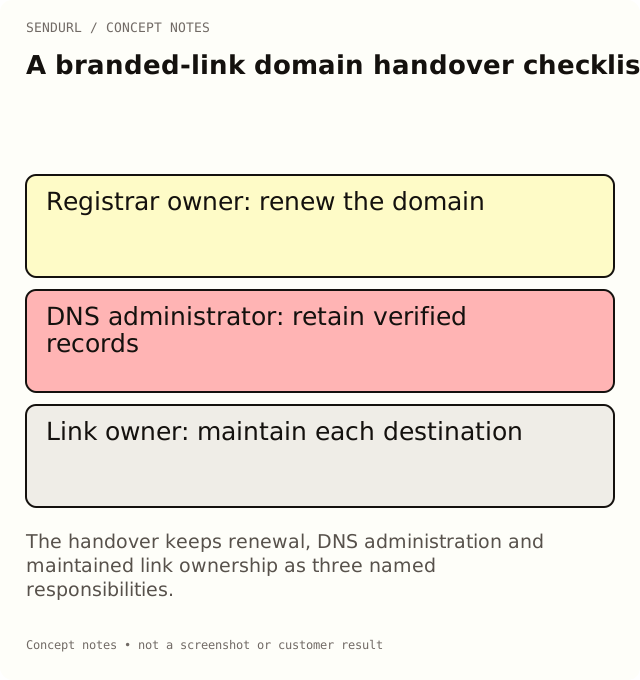
Name the accounts without sharing their secrets
The checklist records account owners and access-confirmation evidence. It is not a place to paste passwords, recovery codes, API keys or DNS verification secrets. Store those through your organization’s approved access-management process.
Short hostname and registrable domain:
Registrar owner and renewal responsibility:
DNS provider and authorized administrator:
SendURL organization and accountable owner:
Custom hostname status and verification evidence reference:
Certificate/status check and date:
Active links and printed placements inventory:
Destination owners and maintenance contacts:
Open incidents or pending DNS changes:
Successor access confirmed through the proper process:
Handover reviewer and unresolved items:
Test a real old placement
For an illustrative go.example.org handover, choose a card still in circulation, scan it and compare the destination with the inventory. That test can expose an old route whose page owner has also changed. Do not approve the entire inventory from one successful homepage request.
The hostname in this example is a documentation placeholder, not an active SendURL customer domain. Use your actual verified host for operational checks, and keep private verification records out of public screenshots.
Protect the domain’s continuity
Free has an allowance of one custom domain and one snu.to subdomain. Availability of domain setup is a separate operational question; consult the current product surface and pricing, and use the stated support path where setup is not available immediately.
Deleting and recreating a domain is not a handover shortcut. A link’s domain cannot be edited, and links attached to a deleted domain are not automatically reattached to a newly added record. Preserve ownership and resolve the actual access issue instead of experimenting with deletion on a live printed route.
Finish with accountable acceptance
Ask the successor to confirm their access, identify the renewal owner and repeat an agreed route check. Record what remains unresolved. A handover cannot guarantee permanent availability, but it can make the obligations and the first warning signs visible.
When a new organization needs maintained branded links, create its SendURL account under the intended ownership rather than an employee’s temporary campaign identity. Extra seats are arranged by hand on request; do not describe them as a dashboard provisioning feature.
Product reference
The SendURL REST API reference describes the supported link model. Use that model and the dashboard’s current domain status rather than assuming a DNS change edits existing links.
Frequently asked questions
Should the handover contain DNS verification tokens?
Keep only a reference to the secured evidence. Verification secrets and account credentials do not belong in a broadly shared checklist.
Can re-adding a deleted domain reconnect its old links?
No. Old links are not automatically attached to a new domain record. Avoid deletion as an access-repair procedure.
Is the domain allowance the same as proof that setup is active?
No. A plan limit describes capacity; current setup availability and a verified active hostname need separate confirmation.
Start tracking links free.
Create your first short link with click analytics in seconds. No credit card, no sign-up to start.