A destination brief before you shorten the launch URL
Agree on the page’s promise, access requirements and outcome before shortening it. A neat public address cannot repair a destination that serves the wrong task.
A campaign can have a polished short link and still disappoint every reader. Perhaps the email promises a comparison, but the page opens a generic catalogue. Perhaps the page works for an employee who is signed in and fails for a new visitor. Writing the destination brief first makes those mismatches somebody’s explicit responsibility.
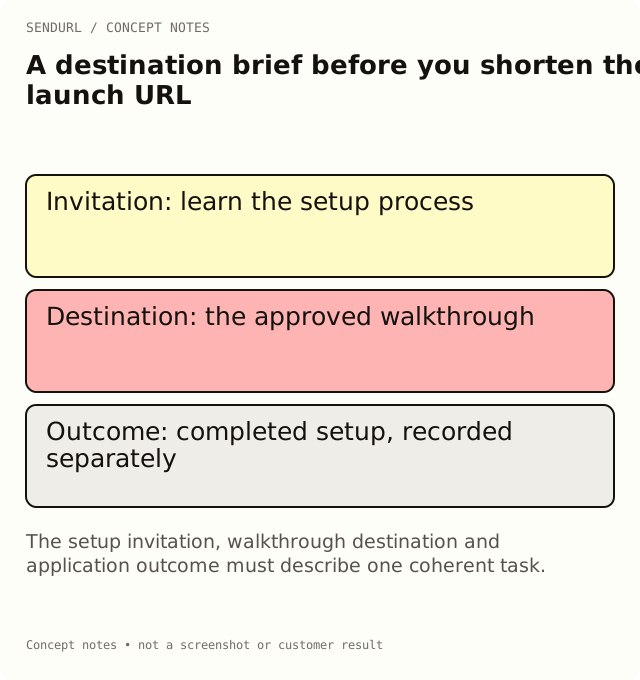
Describe what a successful visit looks like
For an illustrative analytics-software launch, the invitation promises a setup walkthrough. The useful outcome is finishing the walkthrough or completing setup, not simply requesting its address. Name which system can observe the chosen outcome before anybody starts reporting it.
Placement and audience:
Promise made beside the link:
Approved destination:
Task the visitor can complete there:
Required login, device or regional conditions:
Language and accessibility review:
Outcome event and system of record:
Campaign parameters and intended meaning:
Destination owner and review trigger:
Fallback or support route if the page is unavailable:
Approval evidence and unresolved issues:
Resolve the catalogue-page mismatch
If the destination owner offers a generic catalogue instead of the promised walkthrough, choose deliberately: change the page, change the invitation or stop the launch route until both agree. Do not use a more persuasive short slug to disguise the gap. The visitor needs the task you promised, not an explanation of why the tracking address looked correct.
Test with a browser session that represents a new reader. A private document may correctly require authentication; the brief should state that condition rather than imply public access. If different devices have different targets, name those paths and test them separately.
Separate page readiness from link readiness
Page readiness means the resource exists, is appropriate and supports the intended task. Link readiness means the selected address reaches it with the expected parameters and behavior. Both checks matter. Neither one, on its own, proves a sale or activation.
Create the stored destination with its approved UTMs. Later destination or UTM edits require Pro+, so a Free campaign should settle the route before distribution or plan how a replacement link will be communicated. Use SendURL’s current pricing and destination-edit comparison when the campaign needs a maintained public address.
Keep the brief close to the owner
A brief becomes stale when the page’s purpose changes without a review. Assign a trigger such as a new offer, a login change or a documentation migration. At that trigger, repeat the representative visit and record the result rather than automatically carrying forward approval.
Set up the campaign link in SendURL after the destination is approved. Keep the link title understandable to the next scheduler; the brief supplies the more detailed reason for the route.
Useful distinction
How to Track Link Clicks explains what route activity can measure. Link Analytics vs Google Analytics keeps that evidence separate from website outcomes.
Frequently asked questions
Does every campaign need a new landing page?
No. An existing resource can be right when it fulfills the invitation’s promise and supports the intended audience.
Can a short slug improve a mismatched page?
It can label the address, but it cannot make the destination fulfill a different task. Fix the promise or the page.
Who signs off the outcome definition?
The person responsible for the system recording it, alongside the campaign and destination owners.
Start tracking links free.
Create your first short link with click analytics in seconds. No credit card, no sign-up to start.