Plan a short-link inventory before you reach the quota
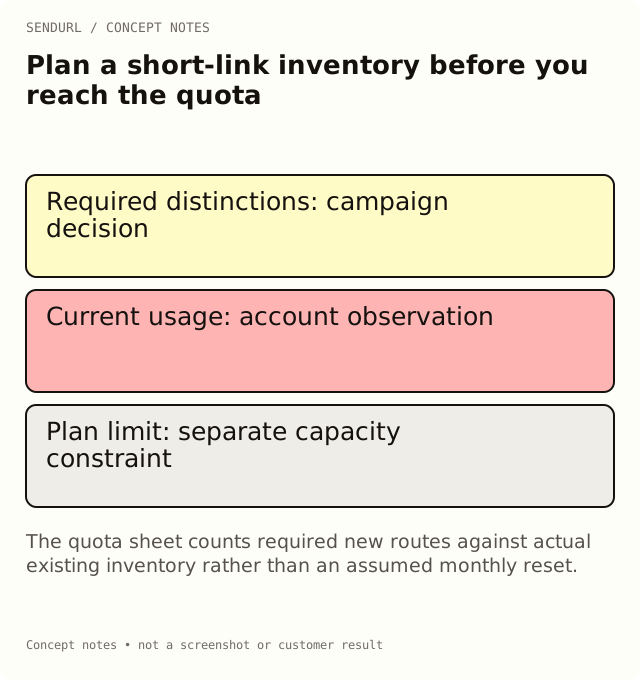
Estimate the saved routes a campaign needs and account for existing usage before creating them. A monthly publishing schedule is not the same as SendURL’s organization link inventory limit.
A team plans twenty campaign placements and assumes an account with a small free allowance will be enough. Then it discovers older routes already consume most of the inventory. Plan the required distinctions before creation, because deleting old links does not recycle quota or their slugs.
Count useful routes rather than every mention
In an illustrative launch, the email hero and footer need separate routes because the team will compare their placement activity. Two copies of the same help-page button may intentionally share a route when their combined activity is sufficient. Decide that distinction from the reporting question, not from a desire to make the inventory look larger.
campaign_or_task,required_distinctions,new_saved_routes,existing_route_reuse,owner,reason
Launch email,Hero versus footer,2,0,Email lead,Compare delivered placements
Support article,One maintained help route,0,1,Support lead,Combined route activity is sufficient
Partner event,Booth sign versus follow-up email,2,0,Event lead,Separate distribution stages
Compare the plan with real current usage
Free supports 25 tracked links per organization. Pro supports 1,000. These are inventory limits, not a promise of that many newly available links each month. Check the account’s current usage before calculating remaining capacity.
Deleted links still count toward the link limit and retain their slug on the domain. Do not build a rolling “delete last month, recreate this month” procedure. Disabled links also remain saved routes; their inactive state is a lifecycle choice, not quota reclamation.
Distinguish other limits
A link quota is separate from a visits-per-link limit, analytics history, tags, previews or styled-QR capacity. Free has five tags, one custom-preview link, one styled-QR link and one running two-variant A/B test. A campaign can fit its link count while exceeding another relevant allowance.
Likewise, Free’s one custom domain and one snu.to subdomain do not mean every requested domain setup is immediately available. Treat capacity, setup status and actual serving behavior as separate checks.
Make the upgrade decision concrete
Write which required workflow exceeds the current plan: perhaps more saved routes, a longer review window or post-publication destination edits. The pricing comparison lists those distinct capabilities. Every paid plan is self-serve through Paddle; extra seats and support reply times are arranged by hand on request.
Open the organization’s SendURL account before allocating a campaign’s links to temporary personal ownership. Then verify one created route and update the inventory with the actual result, rather than marking all proposed rows as created.
Inventory reference
Everything SendURL Does: A Tour of Every Feature describes the product surfaces. This sheet records the campaign’s specific capacity assumptions and route decisions.
Frequently asked questions
Does the Free link allowance reset every month?
It is an organization inventory limit. Do not model it as a fresh monthly creation allowance.
Will deletion give me another slot?
No. Deleted links still count, and their slugs remain reserved on their domains.
Should I create a separate route for every repeated button?
Only when that distinction serves the reporting or maintenance task. Intentional reuse gives combined activity.
Start tracking links free.
Create your first short link with click analytics in seconds. No credit card, no sign-up to start.