A reporting-window note for teams in different timezones
Write the start and end instants, timezone and scope beside each exported report. Matching calendar labels can still describe different reporting windows.
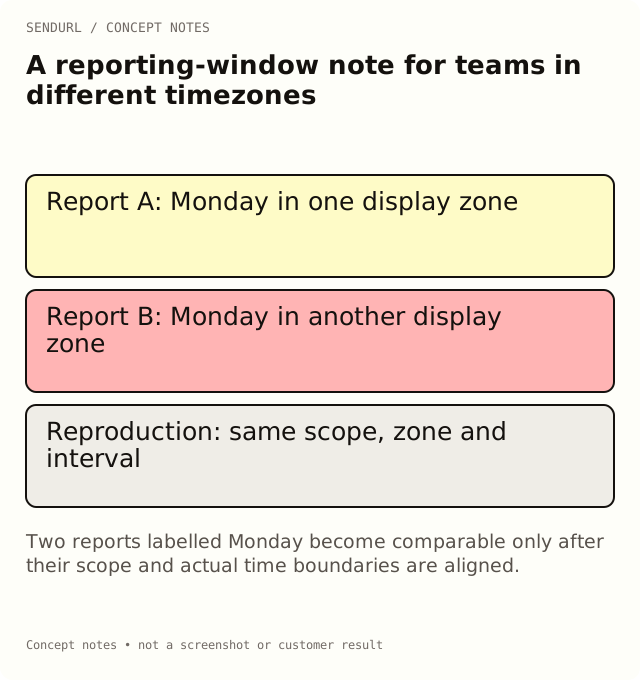
A London colleague and a New York colleague both export “Monday,” then get different click totals. That does not immediately identify a broken report. Their calendar-day windows may cover different instants, and one export may include a different set of links.
Define the interval before comparing totals
Choose the business window the team actually wants to review. The example below uses explicit placeholders so that you supply the correct dates and offsets for the campaign rather than copying a seasonal offset from a tutorial.
Business question:
Selected folder and link scope:
Display timezone:
Start as shown in the reporting UI:
End as shown in the reporting UI:
Equivalent start instant, where verified:
Equivalent end instant, where verified:
Other system's timezone and boundary convention:
Export generated at:
Observed total and metric definition:
Known differences or unavailable fields:
Reviewer and reproduction steps:
Reproduce the Monday disagreement
First ask both reviewers to select the same links and the same display timezone. Repeat the export with the same interval. If the counts now agree, record the original timezone difference instead of reporting a data-loss incident.
If they still disagree, inspect the boundary conventions and metric definitions. A daily chart bucket and an all-time per-link count are not the same query. A website session report is another definition again. Keep those distinctions visible while investigating.
Handle clock changes with explicit evidence
A local date can cross a daylight-saving transition. Do not assume every local day spans the same elapsed hours or that a familiar UTC offset applies throughout the year. Use the reporting system’s timezone controls and verified instants when reproducing a sensitive boundary.
Record the actual settings used rather than converting dates in a spreadsheet and losing the timezone label. If an upstream report cannot expose its boundaries clearly, mark that limitation. A plausible-looking aligned total is not proof that the windows match.
Fit the review inside available history
Free’s dashboard analytics history is seven days; paid plans provide longer windows. Schedule exports and comparisons accordingly, or choose the history window that fits the reporting job. Do not describe a link endpoint’s all-time record as the same date-filtered dashboard result.
Create maintained campaign links in a SendURL account when the team needs a reproducible inventory. Keep this window note beside the export so another person can rerun the observation without guessing what “Monday” meant.
Time-series background
Clicks Over Time: Reading SendURL’s Analytics Charts explains the relationship between scope, buckets and totals. The note here records the specific settings behind one comparison.
Frequently asked questions
Should we always report in UTC?
Choose the timezone that fits the business question and document it. Consistency and explicit boundaries matter more than an unexplained default.
Can I fix a discrepancy by shifting the chart labels?
Not safely. Reproduce the underlying window first; changing labels alone does not change which events were counted.
Does an all-time link count need the same date filter?
It is a different scope. Compare a matching dated report when the question concerns a specific campaign window.
Start tracking links free.
Create your first short link with click analytics in seconds. No credit card, no sign-up to start.