A DNS request ticket for a branded short hostname
Give the DNS administrator the hostname, product-provided records and a verification plan. A clear ticket avoids treating a DNS edit as proof that the branded route is ready.
A marketing owner wants go.example.org, but another team controls DNS. A message saying “point it at the shortener” leaves important questions unanswered: which hostname, which record values, who verifies ownership and who confirms that real links work afterward?
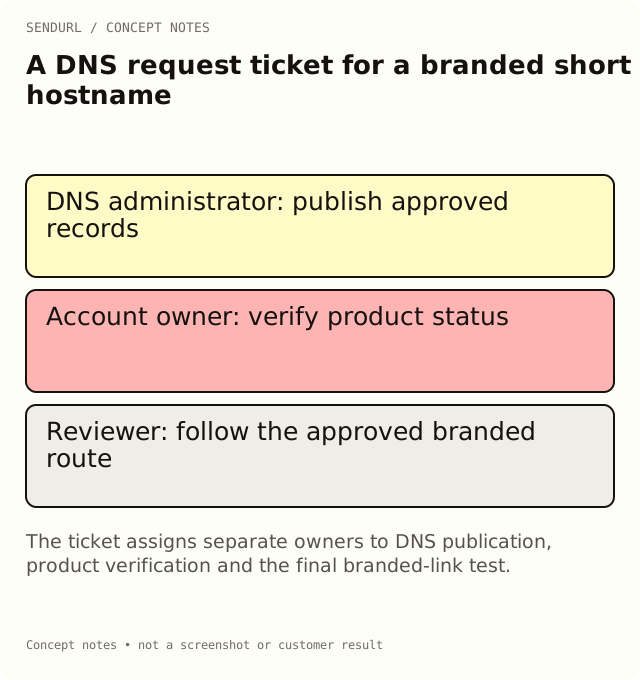
Request records for the intended hostname
The example hostname below is a placeholder. Obtain the actual values from the supported SendURL setup flow or its support process. Do not copy a verification value from another organization or invent one from a tutorial.
Requested short hostname:
Business owner and SendURL organization reference:
DNS administrator and provider:
Existing records or services on this exact hostname:
Product-provided CNAME record name and target:
Product-provided TXT record name and value reference:
Where the secured verification instructions are available:
Requested change window:
Who checks DNS publication:
Who checks product verification/certificate status:
Test link and acceptance observation:
Rollback/escalation owner:
Resolve an existing-service conflict first
Suppose the proposed hostname already serves a documentation site. Replacing its record could break that service. Ask the current owner to resolve the conflict or choose another hostname before making the DNS change. A memorable campaign address is not a reason to overwrite an active service without agreement.
Keep the exact DNS record name distinct from the provider’s display convention. Some interfaces show relative names and others show complete hostnames. Ask the administrator to verify the resulting published record, rather than assuming the form’s label means the record was created at the intended name.
Check three different states
DNS publication, ownership verification and an active serving route are different observations. The ticket should say who checks each one. SendURL’s custom-hostname process uses DNS ownership evidence and certificate/status handling; seeing a CNAME alone is not sufficient to announce that the domain is ready.
Free includes one custom-domain allowance and one snu.to subdomain. Availability of self-serve setup is separate from that capacity. Read the current domain offering in pricing and use the documented support path if the account cannot add the hostname immediately.
Accept the change with a real link
Once the product reports the domain ready, create an approved demonstration link on that hostname and follow it. Record the exact host, destination and test time. Do not approve every existing printed route from a test of an unrelated hostname.
Keep the domain’s renewal and DNS ownership in the longer-term handover record. A successful initial setup does not remove those obligations. A link’s selected domain cannot later be edited as though it were just a destination URL.
Create the account that will own the branded links before requesting organization-specific records. The SendURL API documentation describes the supported link fields; do not invent a DNS automation endpoint from this ticket.
Frequently asked questions
Should I reuse another account’s TXT verification value?
No. Obtain the values for the intended organization and hostname through the supported setup process.
Does published DNS mean the certificate is ready?
No. Verify the product’s status and test an actual route after the relevant checks complete.
What if the hostname already runs another service?
Resolve ownership and service impact before editing its records. Choose another hostname when necessary.
Start tracking links free.
Create your first short link with click analytics in seconds. No credit card, no sign-up to start.